 Buzz Campaign Pack
Campaign sizes, ready to hand off.
A plugin for Figma Buzz · Japanese interface
One design. Multiple social sizes. One organized ZIP.
Generate separate campaign copies with Figma Buzz’s official Smart Resize, review the results, then deliver consistently named PNGs and manifest.csv in one ZIP.
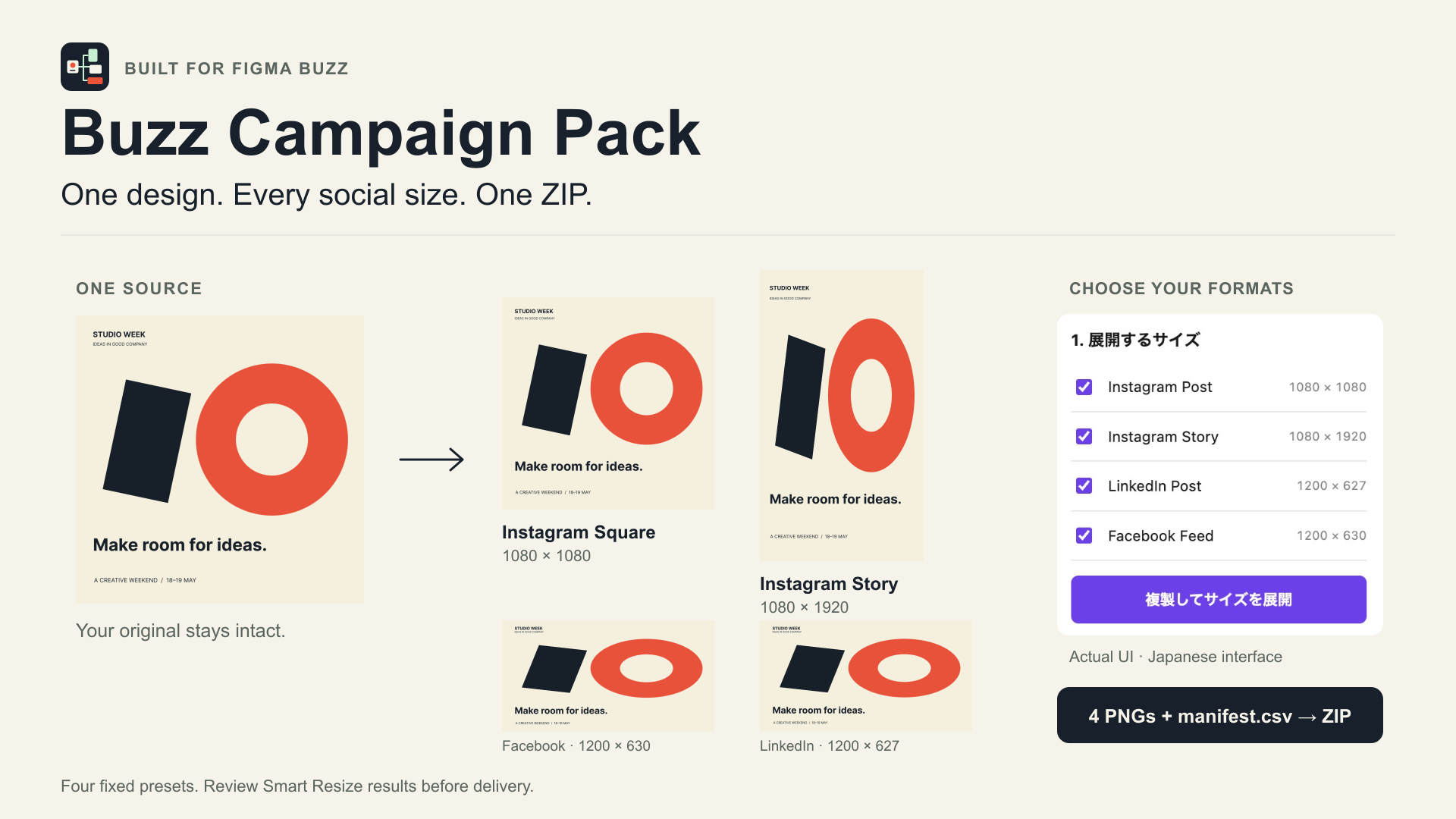
From selected asset to delivery
- Select one editable Buzz asset and choose your formats.
- Generate separate copies in the Canvas Grid. Your source stays in place.
- Review every result, select the outputs, export the PNGs and download the ZIP.
Four fixed social sizes
| Format | PNG dimensions |
|---|---|
| Instagram Post / Square | 1080 × 1080 |
| Instagram Story | 1080 × 1920 |
| LinkedIn Post / Landscape | 1200 × 627 |
| Facebook Feed | 1200 × 630 |
Review before delivery
Smart Resize can change shapes, crops, spacing and proportions. Check text and layout in every format. Unavailable fonts or editing restrictions can prevent generation. Undo can require multiple steps in Buzz.
The current workflow supports one source and one Buzz file/page, up to 24 generation attempts per session and 64 MiB of accepted PNG bytes per export batch. This is not a total memory limit. Read the FAQ and known limitations before use.
Local design processing
The plugin does not send design content to a third-party server. The ZIP is assembled in the plugin UI’s memory and saved through your download action. Generated copies remain in the Figma file; the CSV contains asset metadata. Figma’s platform services operate separately.
Product support
Email exportpreflightsupport@gmail.com with your Figma version, selected format and error message. Use a non-confidential example.
Prepared for the planned Figma Community release. This page does not provide checkout, social posting, AI creative generation or account connections.